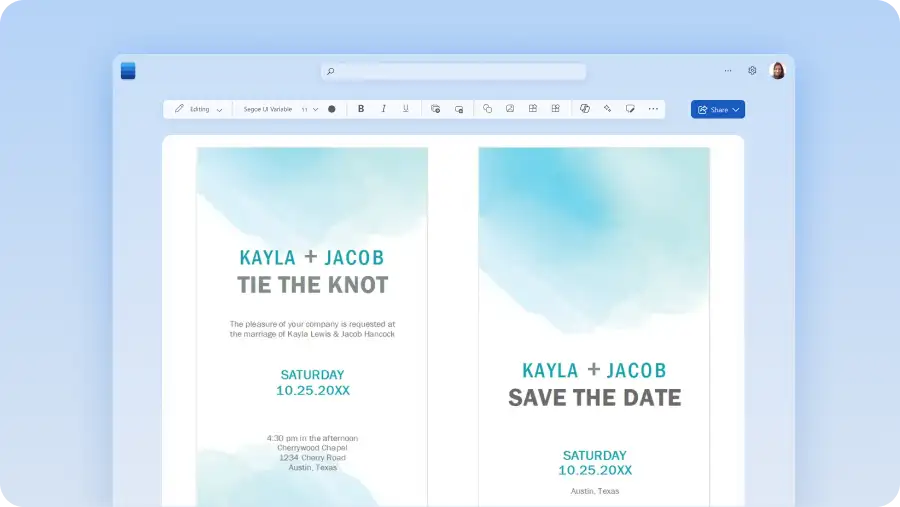

How to use a wedding template in Microsoft Word
In your browser, explore Word wedding templates
Double click on the free wedding template you want to use
Replace the text with your personal information
Save, print, and send your wedding design to invitees

使用这些模板举办一场与众不同的婚礼
以最独特的方式庆祝特别日子。确定日期后,设计预留日期卡,发送给所爱的人。使用日历模板帮助你跟踪所有重要步骤,比如试穿婚纱和品尝美味蛋糕。这些各种不同的婚礼模板可以帮助你创建和管理宾客名单,并设计自己的座位表。使用 Word 创建邀请函,这样你就可以使用自己喜欢的颜色和字体。