
How to use business card templates in Microsoft Word
In your browser, explore free business card templates
Double click on the business card template you would like to use
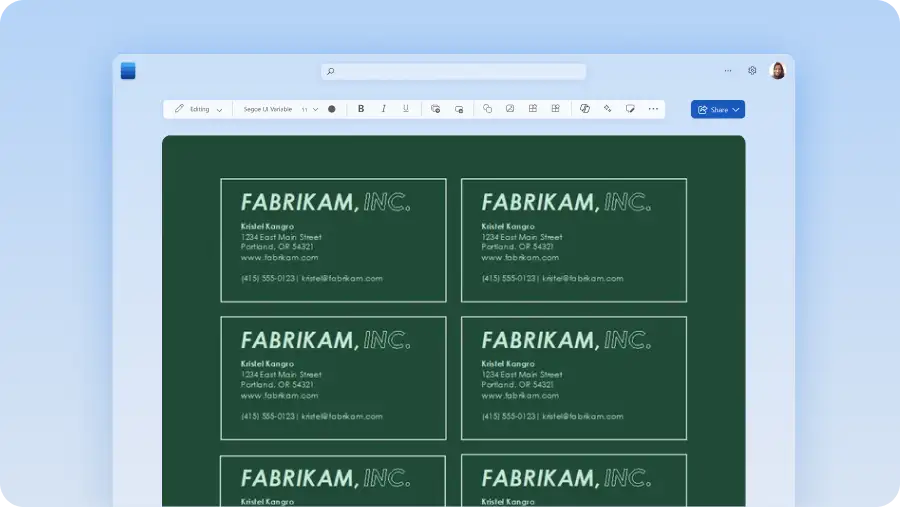
Customize the text with name, job title, and contact details
Upload the business logo and change color-scheme to match branding
Save as a PDF, send digitally, or print to share business cards in-person

使用名片模板留下深刻印象
使用这些可自定义的名片模板和设计,公布你的身份和工作内容。无论从事什么工作,自信而专业的表现都会让你在竞争中领先一步,而这些模板可以让你轻松创建一张能反映你正面形象的名片。考虑如何融入品牌颜色,以及其他哪些营销资产能体现你和你的工作的独特性。如果你想尝试新风格,可以将个人名片与简历协调搭配,让这些模板帮你完成设计。