
Training materials
Create consistency in onboarding and business process documents with professional training materials in Microsoft Word.
Create shareable training materials with flexible layouts and AI tools

Organize text and visuals intuitively
Easily structure training materials with bullets, checklists, and tables to guide readers and communicate important points. Customize SmartArt graphics to illustrate processes like onboarding workflows or decision paths. Save customized templates to use the same visual style in future training documents and maintain consistency.

Create and edit faster with Copilot in Word
Have Copilot draft content for a new hire checklist or onboarding plan based on pulled company information from existing files. Ask Copilot to review an existing training manual for clarity and then apply document edits directly. Enhance the layout further by prompting Copilot to add helpful visuals.

Collaborate with anyone online
Co-author training documents with HR, managers, and subject matter experts using collaboration tools. Incorporate content feedback through comments and user tags to create fully team-collaborative training materials. Easily apply and update access permissions to share with new hires for in-person or remote onboarding.
Structure clear documentation
Make training documents easy to understand with built-in formatting tools in Word. Walk readers through a learning roadmap using descriptive headings and checklists to teach complex processes. No design skills are required to create professional standard operating procedures (SOPs) or onboarding guides with tables and SmartArt charts. Simply start with a report template and customize it with your fonts, colors, and brand kit.
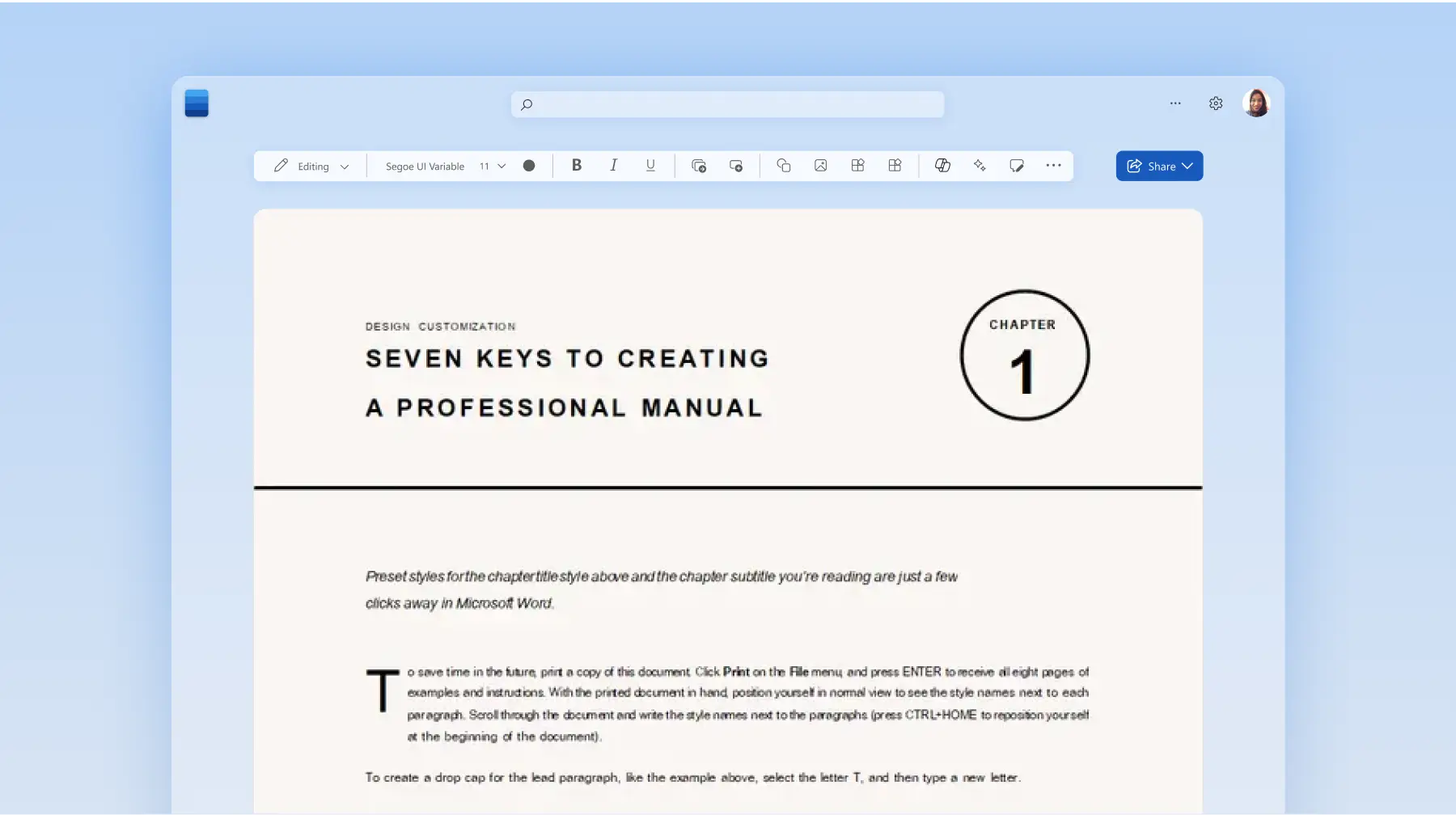

Write with Copilot in Word
Generate new training content from a single prompt with Copilot. Prompt Copilot to create an SOP for onboarding department-specific new hires and upskilling team members on latest processes. Ask for a welcome message, company overview, first-week checklist, new hire training schedule, key contacts, and links to internal policies and Copilot will draft it instantly.
Polish readability with AI
Modify writing tone and improve grammar in minutes. Prompt Copilot to make training guide content tone more supportive and an SOP more direct with improved grammar and sentence structure. Help retain attention in long manual documents with added summaries after each section, all through a prompt to Copilot.

Elevate the design with Copilot
Transform plain text into compelling training manual layouts in seconds with Copilot in Word. Ask Copilot to create and add SmartArt diagrams to illustrate learning paths, and to divide long sections with headings and tables to engage readers’ attention. Have Copilot refine the document formatting and apply company brand kit logos, fonts, and colors automatically for consistency.

Collaborate and share with others
Easily collaborate online to create training documents while controlling editing permissions. Allow any coworker or SME to provide input with comments, attachments, and tags to cover any gaps in content. Lock sections to further edits for new hire onboarding or when highlighting training in a company newsletter.
Build a training library
Save company employee handbooks, business playbooks, and SOP templates to build a document library for consistent processes. Organize saved files easily in OneDrive and limit access with password protection. Download and print without limitations to provide copies of training guides or process documents when needed.

How to create employee training documents in Word
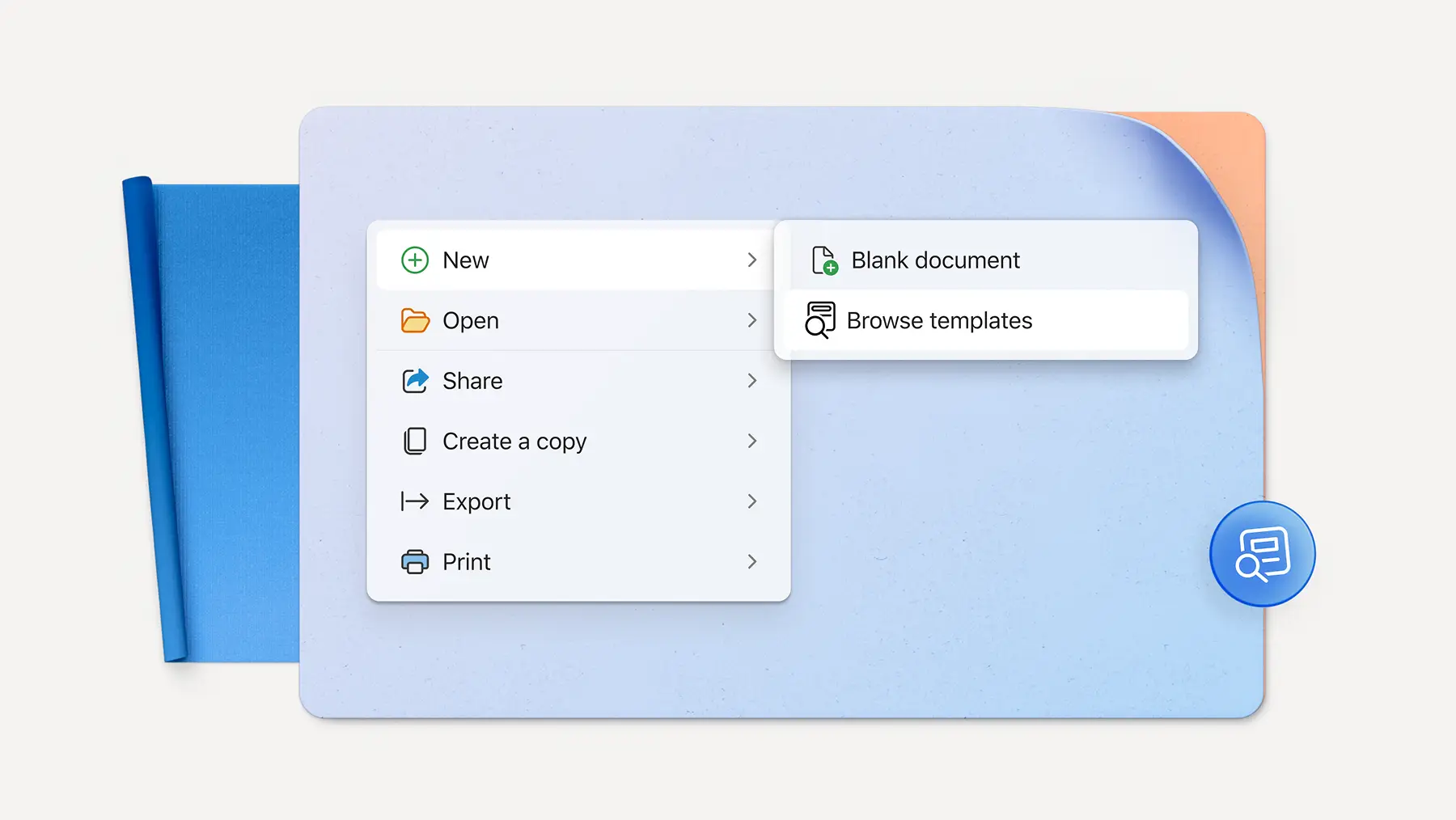
In your browser, start with a blank document or upload a document to expand
Add text or have Copilot create sections that pull information from company documents
Update with brand fonts, colors, and logos
Add images, SmartArt, and populate tables
Download, print, or share training documents online for free
Read more


Frequently asked questions
What is process mapping?
Business process mapping is a method of visualizing all the major steps of a process in a diagram. A process map shows the beginning and end along with actions, inputs, decision points, and roles, so you can clearly communicate how a process works. Build a process map quickly with a free process map template in Word or chat with Copilot to generate a document for you.
How to create an employee handbook?
First, outline major sections like the company overview, employment details, compensation, benefits, schedule, code of conduct, and other workplace policies. If you're unsure on the right document structure, chat with Copilot to help generate an outline for you. Organize these into a structured document with a signature page. Finally, get legal guidance to make sure the document complies with country labor laws. Easily share drafts with external vendors using collaboration tools in Word.
How to create an employee training manual?
Decide the scope and main objectives of the employee training plan. Then, communicate the essential procedures in clear language, using headings, lists, charts, diagrams, and step-by-step instructions. Easily collaborate with other managers and department heads to ensure the manual addresses all needs for the role.
How to create an SOP template?
Start a Word document with a header section for the title, revision dates, and approval signatures. Include a section to introduce the purpose, scope, relevant roles, and key definitions. Next, create a template section for the procedure being described. Consider using checklists, numbered steps, and flowcharts with clear language. Wrap up with a section for related documents or diagrams. Save the SOP template in OneDrive and copy it to use for different procedures. Explore how to create an SOP template with AI for more information.