
Free online reports maker
Efficiently communicate key updates, progress, status, and milestones for school or work with a customizable report template by Microsoft Word.
Deliver essential information with clarity using a ready-to-use template
From business reports to school reports, choose from a variety of report templates suitable for any need. Whether you’re writing a one-page report or presenting a project or quarterly report, convey key updates in a digestible format using a template.
Present key insights and updates with effective reports

Draft high-quality reports using Copilot
Transform raw data into actionable and professional project reports using Copilot in Word. Simplify the way you communicate valuable insights by asking smart AI assistance to rewrite in a business language, improve tone or persuasiveness, and refine clarity in minutes. Copilot can even summarize long paragraphs or expand on headings to help make polished and ready-to-share reports for any need.

Format reports with a template and AI
Provide stakeholders with impactful information through organized and reader-friendly reports. Access a range of AI powered document editing tools like automatic proofreading, formatting, real-time word count, and smart spell and grammar checker. If you’re unsure on how to structure a report, start with an editable project report template. Headings, bullet point lists, and visual elements like charts and tables are included in template examples, ready for you to personalize.

Turn reports into polished summaries
Convert lengthy reports into structured summaries by asking Copilot to summarize a document. With AI, extract valuable information from project reports like the purpose, recommendations, and objectives, then easily refine tone and find key highlights to create a professional summary. From executive summaries to financial and progress updates, turn any report into a comprehensive recap.

Enhance reports with AI tools
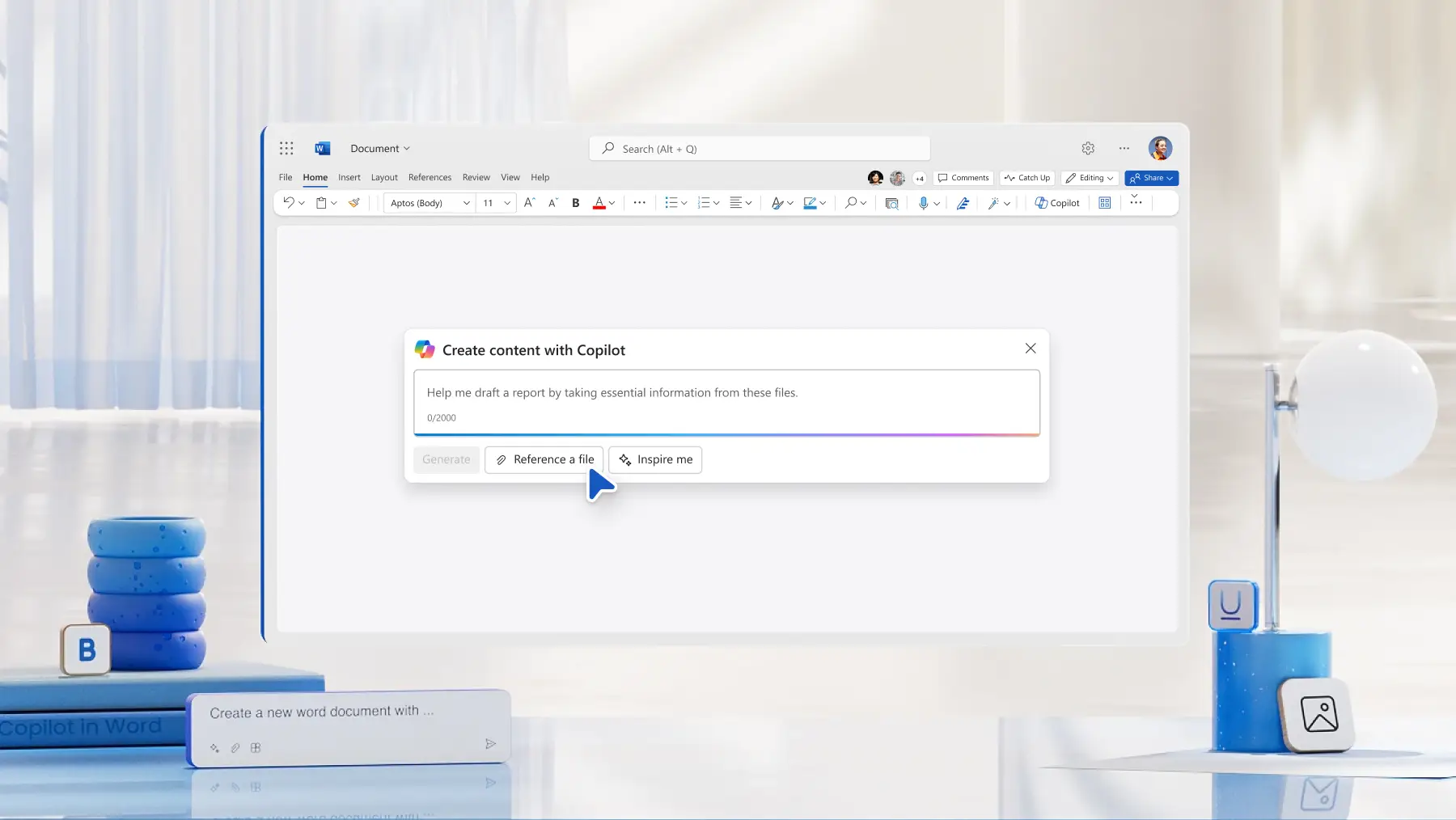
Seamlessly draft a report from scratch by asking Copilot to take essential information from attachments. Add existing Word documents, PowerPoint presentations, or Excel spreadsheets as resources to assist Copilot in summarizing into a report. Copilot can gain context for reports by reading through the attached resources and extracting key points for you.
Personalize report styles and designs
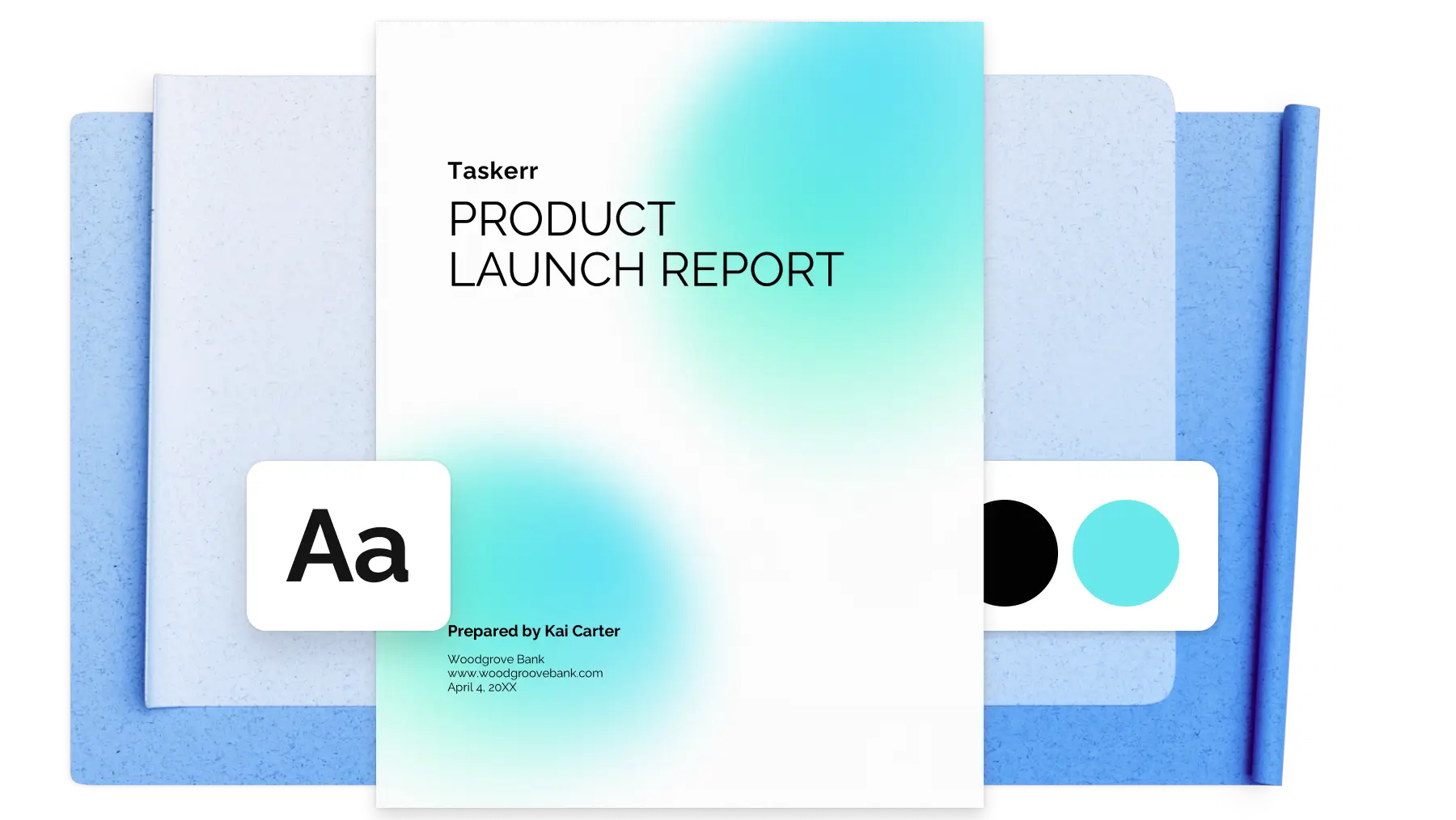
Quickly build brand credibility and consistency by editing report design with brand colors, fonts, and logos. Easily customize any report template to suit a specific layout by personalizing headers and footers, page numbers, and margins. You can edit the transparency of logo images inside Word or add in a brand logo into the report footer to brand all reports.
Perfect project report formatting
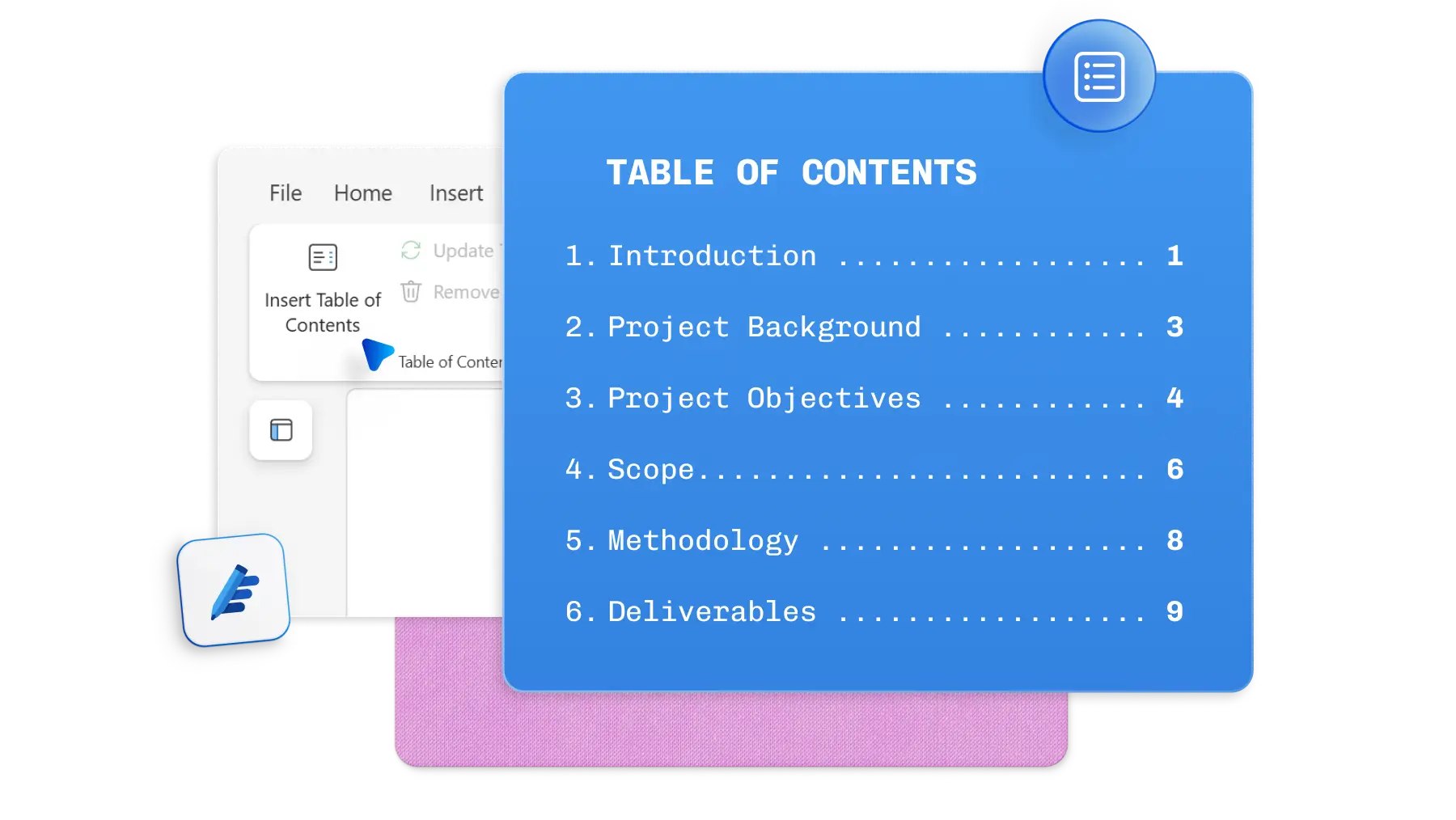
Automatically make reports easier to navigate and locate specific information by adding clear headings and a table of contents. Choose from a range of headings and table of contents styles, suitable for any aesthetic or need. Stay organized while creating high-quality reports with a clear format, even if they’re one-page reports.
Receive comments and feedback instantly
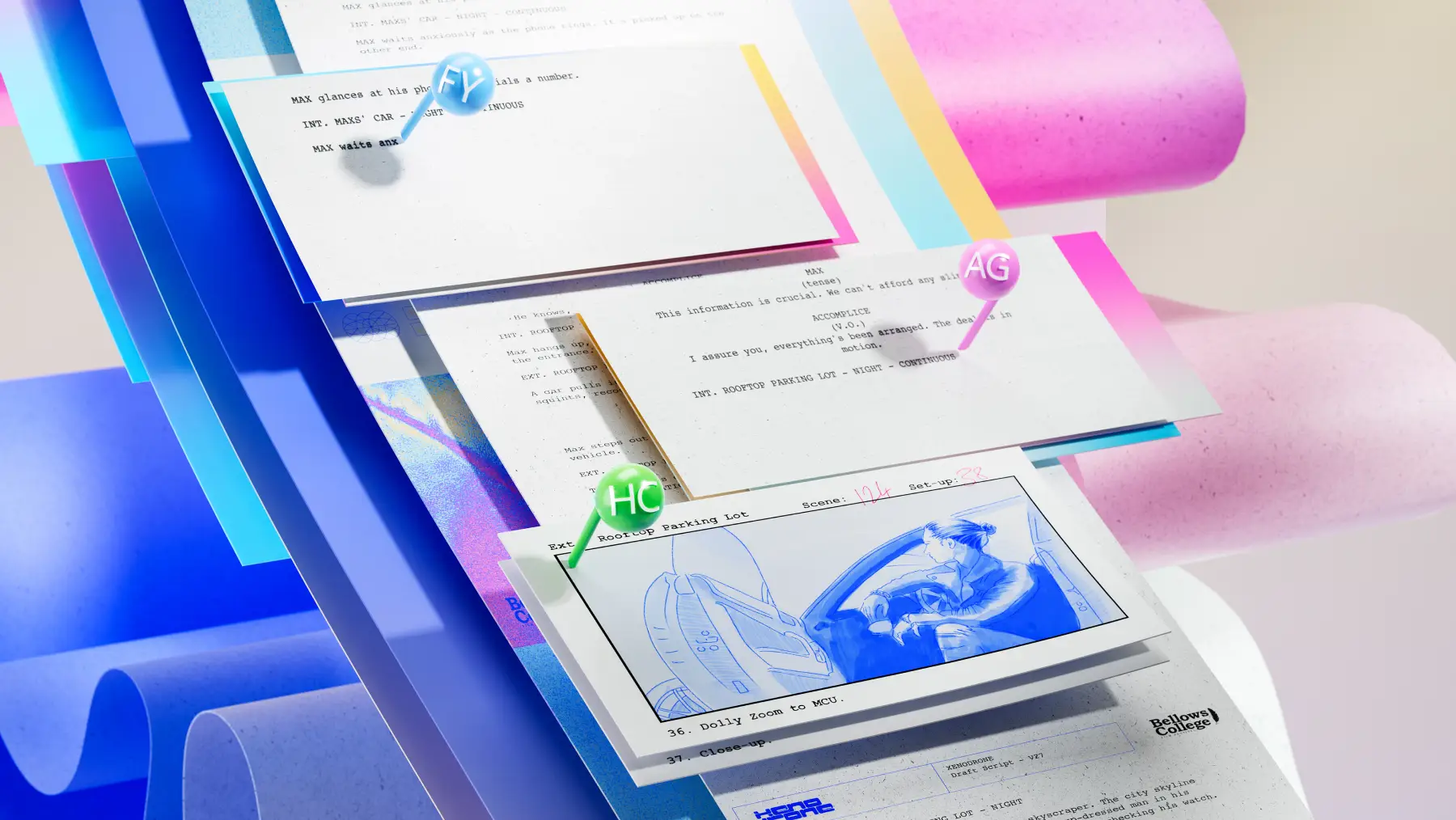
Word online makes it easier to create reports faster through collaborative editing. Commenting allows co-authors to mention and assign individuals to specific points within a report so they can effortlessly find and edit sections. Increase discussions and support and asynchronous workflow to improve productivity.
Save, print, or share reports online
When you’re ready to save and share a project report or school report, export a Word document as a DOCX, PDF, or OneDrive link. Print a report to keep hard copies on file or share with colleagues or students in person during presentations or conferences.

How to create reports using a template in Word
In your browser, explore Word report templates
Double click on the report template you want to use
Replace the text with personal information
Save, print, or share reports as a PDF

Read more



Frequently asked questions
What is a project report status?
A project report status is a formal document that informs the current progress of a project. Status reports help readers and stakeholders understand how the project is running to date, supports decision making, and provide important documentation for transparency.
How to write a conclusion for a project report?
A strong conclusion for a project report should include a summary of the report’s goals, achievements, challenges, and impact or value. The conclusion should also state clear recommendations for next steps based on the outcomes shared within the report. Use a formal tone, with a clear and concise format. Ask Copilot to rewrite a project report conclusion if you’re unhappy with the original writing.
What level of detail should I include in a project report?
The level of detail added to a project report can be found within a project report template example. Headings, bullet point lists, and visual elements like charts and tables will all be included in the template, ready for you to customize. We recommend keeping project reports professional and high-level, with clear summaries.