Birthday card templates
Greet family and friends happy birthday with a personalized birthday card made in Microsoft Word.
Birthday card templates
Make a heartfelt birthday greeting for family, friends, coworkers, and anyone special with editable birthday card templates. Update the placeholder birthday wishes to add sparkle to someone's day.

How to edit birthday card templates in Microsoft Word
In your browser, explore free birthday card templates
Double click on the birthday card template you would like to use
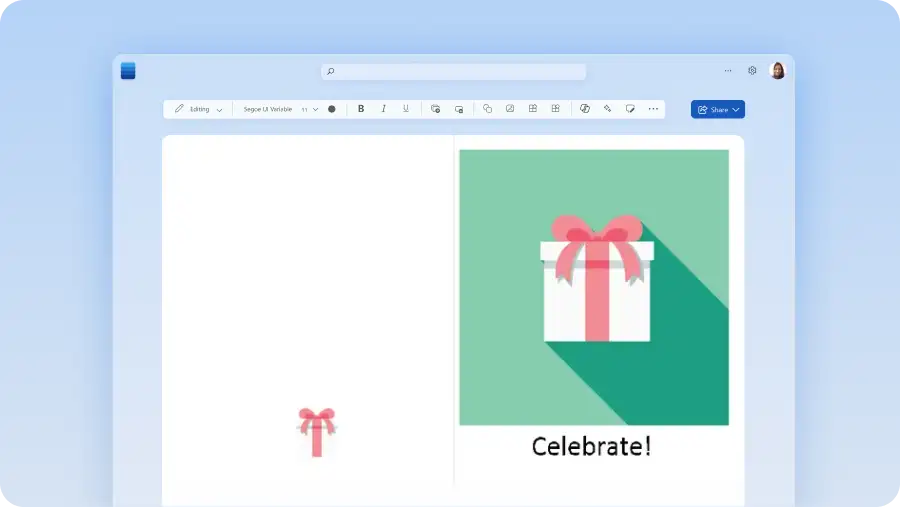
Customize the text, replace stock images, and add birthday graphics
Save as a PDF, share digitally, or print to give birthday cards in-person

Say happy birthday with unique birthday cards
Find free downloadable birthday card templates to celebrate mom, dad, daughter, son, teachers, coworkers, and anyone else you'd like to celebrate. It’s a quick way to create thoughtful, customized greetings without starting from scratch. Designs range from modern birthday cards, cute birthday cards, vintage birthday cards, and more. There's also a library of high-quality stock images and graphic icons which can liven up cards.
When the design is ready, make birthday messages personal with a well-crafted message. To make it effortless, use Copilot in Word. Simply share the tone such as warm, funny, or heartfelt and Copilot will draft a message that fits the occasion. Send loved ones a birthday e-card, or download and print the card template to gift in person or via postal mail.